Broken MacBook display? Turn it off with Blackout
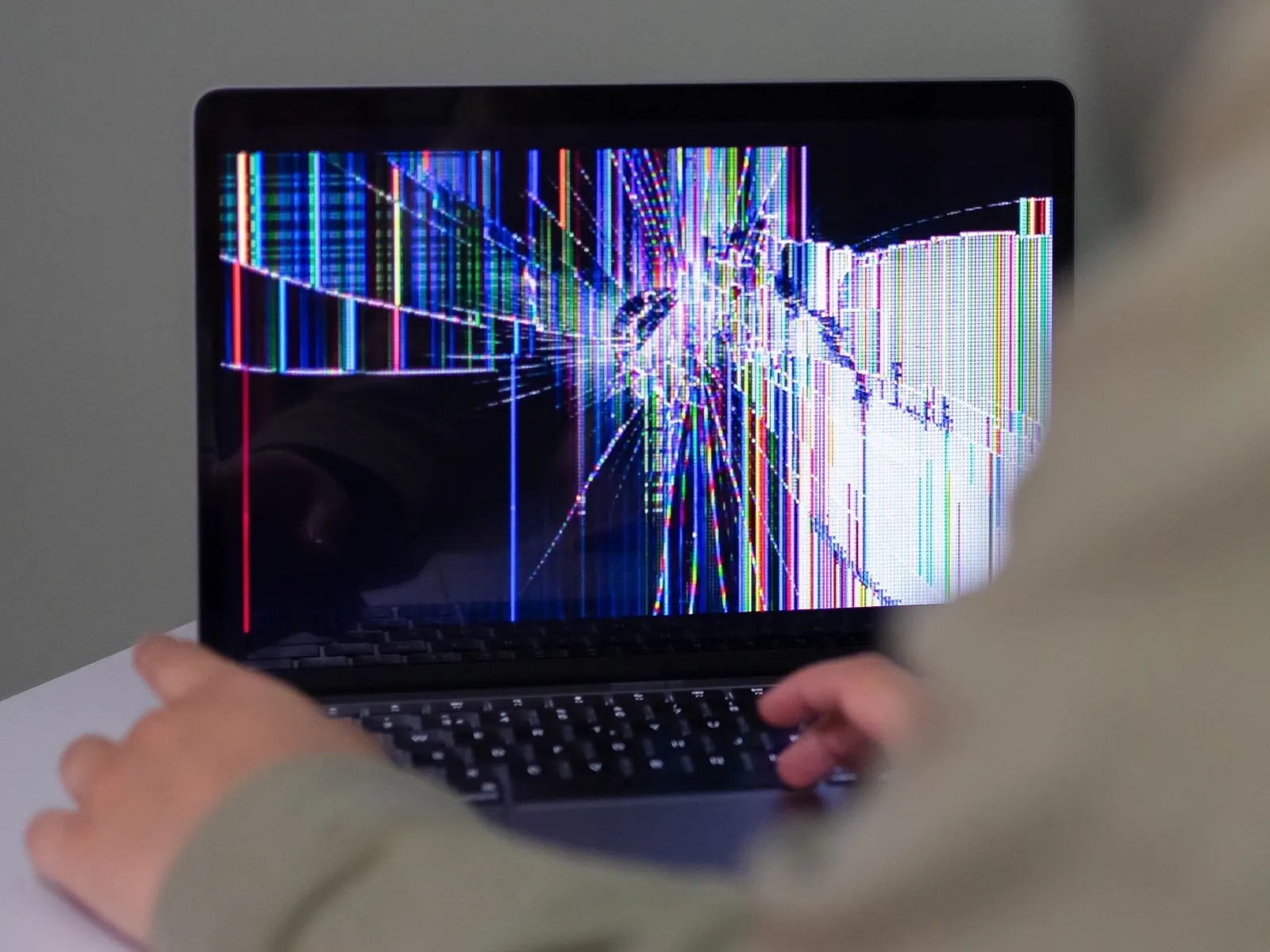
Is your MacBook screen cracked, flickering or full of lines, but still lights up? Windows and the mouse pointer land on the broken display, right? Blackout really switches the built-in display off. macOS treats it as disconnected, everything moves to your external monitor, and you keep using your MacBook with the lid open, including keyboard, trackpad, mic, cam and TouchID.