Blackout vs BetterDisplay vs Lunar
If you want your MacBook screen off while you work on an external monitor, three Mac apps come up again and again: BetterDisplay, Lunar and Blackout. They overlap on this one feature but are built for different jobs. Here’s how they compare.
We make Blackout, so we’re not neutral. We’ve tried to describe BetterDisplay and Lunar fairly, and both are excellent apps. Features and prices change, so check their websites for the current details (this page was last checked in November 2026).
The short answer
- Blackout if all you want is the MacBook screen off with the lid open, in a small app that does just that.
- BetterDisplay if you also want HiDPI scaling, custom resolutions, virtual screens or other deep display tweaks.
- Lunar if your main wish is to control the brightness of your external monitors from the Mac and keep them in sync with the built-in screen.
Comparison
| Blackout | BetterDisplay | Lunar | |
|---|---|---|---|
| Made for | Switching displays off | All-round display management | Controlling external monitors |
| Price | $9 one-time (early-bird price, regularly $19), all updates included | $21.99 one-time for Pro (€19.99), at least two years of updates; basic features free | $23 one-time for a lifetime Pro license; basic features free |
| Try the app for free | Yes, 7 days with 100% of the features | Yes, 14 days with all Pro features | Yes, 14-day Pro trial |
| Switch off the built-in display | Yes, the main feature | Only with Pro: “disconnect” is not in the free version, so it stops working when the 14-day trial ends | Only with Pro: “BlackOut” is not in the free version, so it stops working when the 14-day trial ends |
| Lid stays open | Yes | Yes | Yes |
| Display back on when the monitor is unplugged, the app quits or the Mac restarts | Yes | See their docs | See their docs |
| Brightness and volume of external monitors (DDC) | No | Yes | Yes |
| HiDPI scaling, custom resolutions, virtual screens | No | Yes | No |
| Requirements | macOS 15 Sequoia or later, Apple Silicon and Intel | See their website | See their website |
Blackout
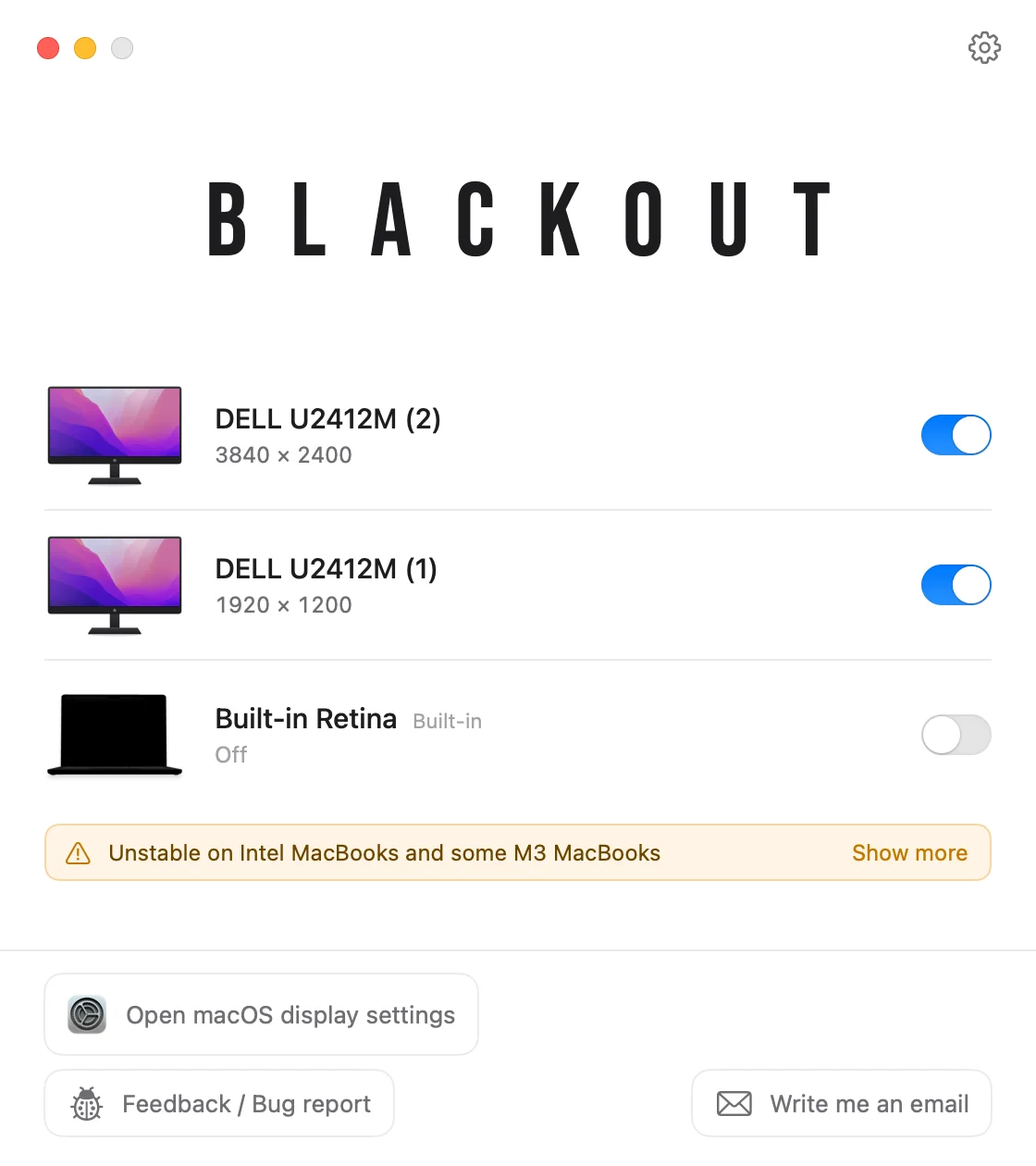
Blackout does one thing: it switches displays on and off, most of all the MacBook’s built-in display while you work on an external monitor with the lid open. You keep the keyboard, trackpad, camera and Touch ID, and macOS moves everything to the external monitor.
- A 1.7 MB menu bar app with no Dock icon, in 39 languages.
- Safe by default: if you unplug the monitor, quit or restart, or the app crashes, the built-in display comes back on.
- Touch ID keeps working with the display off; the compatibility table lists it per tested model.
- One-time payment, unlimited activations on all your Macs, no subscription.
What it doesn’t do: brightness control for external monitors, scaling or resolutions. If you need those, one of the other two apps is the better pick. On Intel Macs and the base M3 MacBook Air and MacBook Pro a hardware quirk might prevent switching the built-in display off.
BetterDisplay
BetterDisplay is a very powerful display utility. Among many other things it offers HiDPI scaling for any monitor, custom resolutions, virtual screens, picture-in-picture, extra brightness on XDR and HDR displays, and brightness and volume control for external monitors.
It can also disconnect the built-in display, including automatically when an external monitor is connected on Apple Silicon Macs. This is a Pro feature: you can use it during the 14-day trial, but the free version can’t switch the built-in display off, so after the trial you need a Pro license ($21.99) for it.
Choose it if you want one app for everything display-related and don’t mind a lot of settings.
Lunar
Lunar is best known for controlling external monitors from the Mac: brightness, contrast and volume, kept in sync with the built-in display or adapted to the time of day, plus hotkeys for all of it.
Its Pro feature “BlackOut” (included in the 14-day trial, not in the free version) switches a display off with a hotkey, which includes turning the MacBook screen off without closing the lid. An “Auto BlackOut” option can do this automatically when an external monitor is connected.
Choose it if brightness control for your external monitors is what you care about most.
Can I use them together?
Using Lunar or BetterDisplay for brightness and Blackout for switching the built-in display off is a common setup. Let only one app switch displays off, though: two apps changing the same display at once can get in each other’s way.