BLACKOUT for MacBook
One big
monitor.
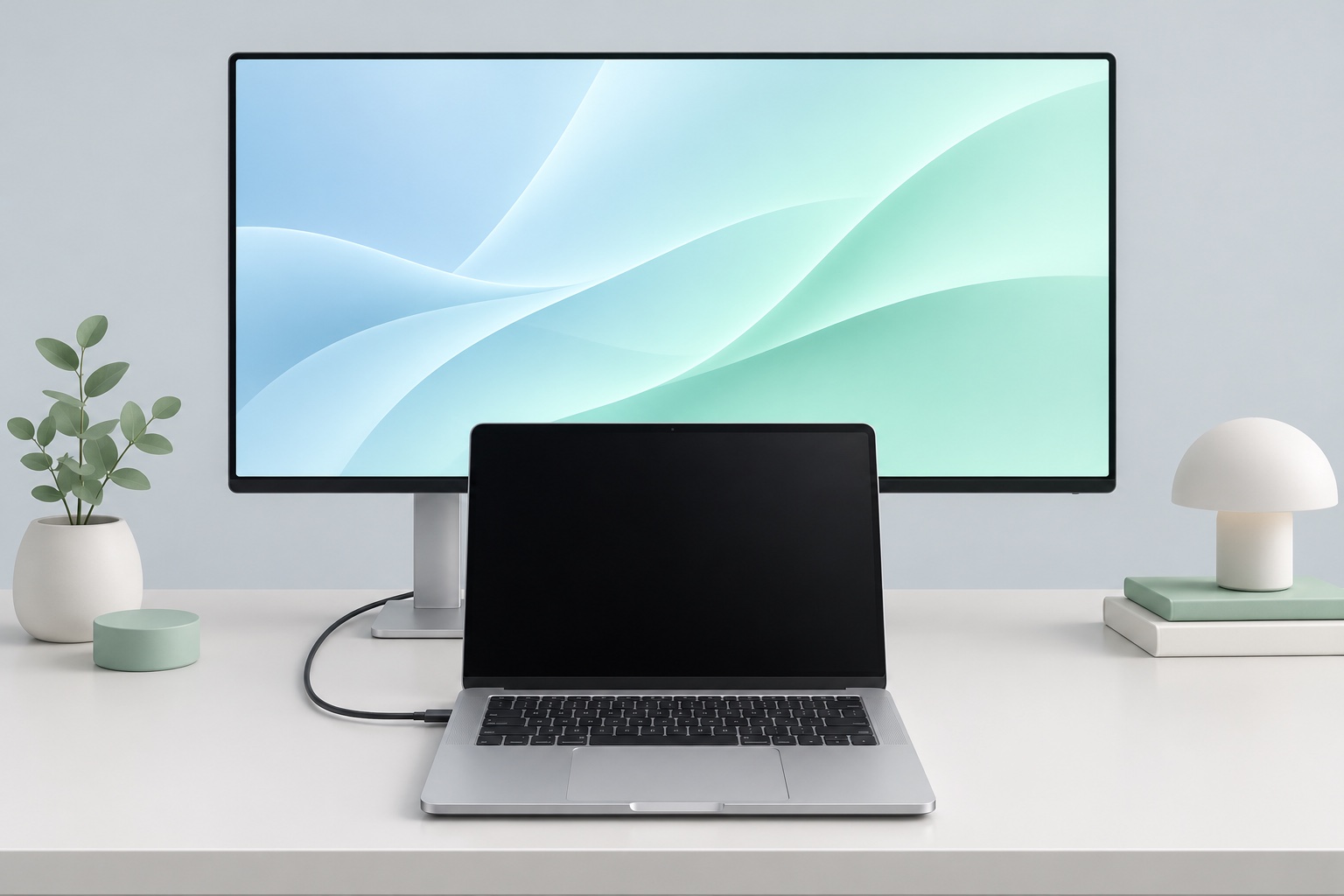
Do you love to type on your MacBook, but look at an external monitor?
Then BLACKOUT might be exactly what you need: this app turns off the internal MacBook display, but keeps your keyboard, trackpad, Touch Bar and Touch ID working. It turns the MacBook screen off automatically when you connect an external monitor, and back on when you disconnect it.
One-time payment, no subscription
Buy now Try free for 7 days- macOS Sequoia and up
- Unlimited activations on all your Macs
- Keyboard
- Trackpad
- Touch Bar
- Touch ID
A little app.
A better desk setup.
Comes with auto-restart and minimize-to-menu-bar, with no Dock icon. Keep the controls you love using, and give your attention to one big screen.
Dark mode, light mode, glass mode. Developer support when you need a hand: hi@blackoutapp.io.
At home in your language.
Available in many different languages, including English, German, French, Chinese, Arabic, Russian and Ukrainian, with many more to come.
Made for your MacBook.
Works on Intel MacBooks and all Apple Silicon (M1–M6) MacBooks running macOS Sequoia or later.
On some Intel and some M3 MacBooks, switching the internal display off or on can take longer. You may just need to wait a little. See the tested models and compatibility details.
Will probably support upcoming MacBook models, too.
Yours for a lifetime.
Every license is lifetime: pay once and own it forever. Install BLACKOUT on as many Macs as you want.
No subscription. One license for all your Macs.
Your MacBook. One big monitor.
Try BLACKOUT free for 7 days, with all features included.
One-time payment, no subscription
Buy now Download BLACKOUT- macOS Sequoia and up
- Unlimited activations on all your Macs