Press kit
Everything you need to write about Blackout. Questions or a review license: hi@blackoutapp.io
About Blackout
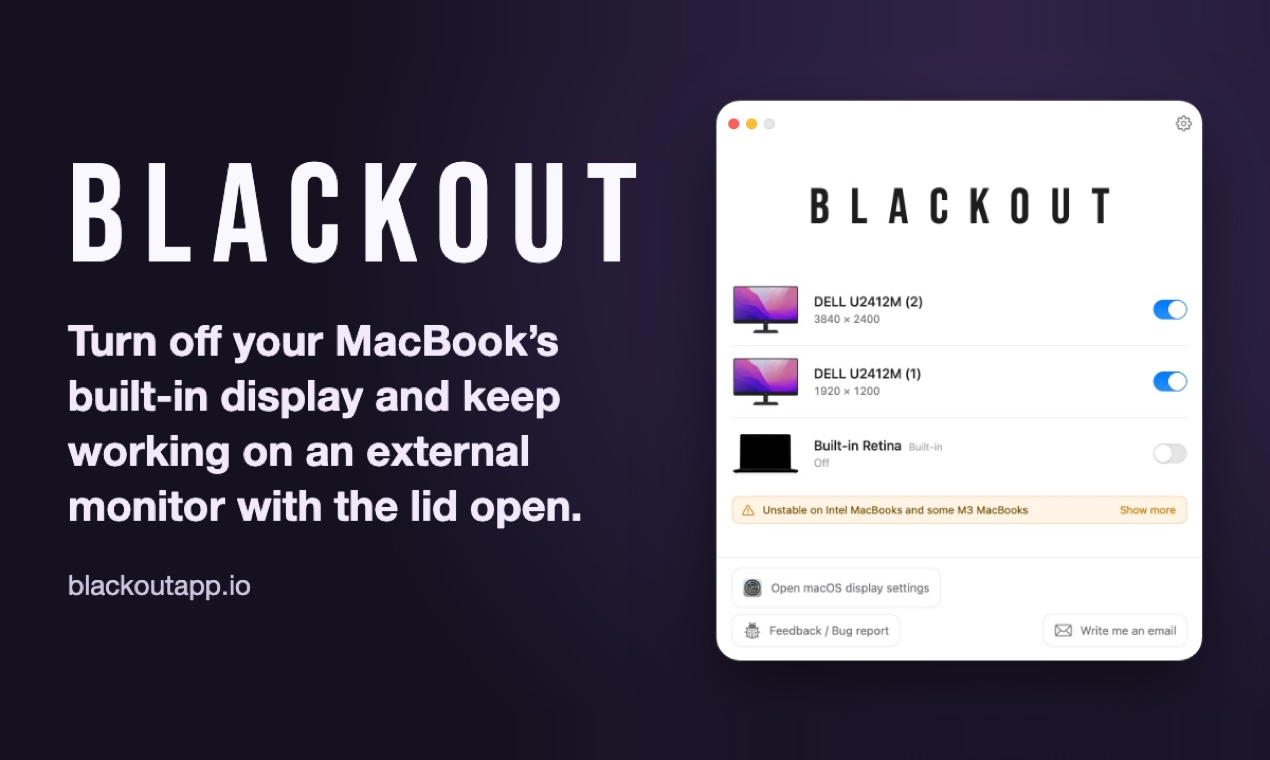
Blackout is a small macOS menu bar app that turns off a MacBook’s built-in display while you work on an external monitor, with the lid open.
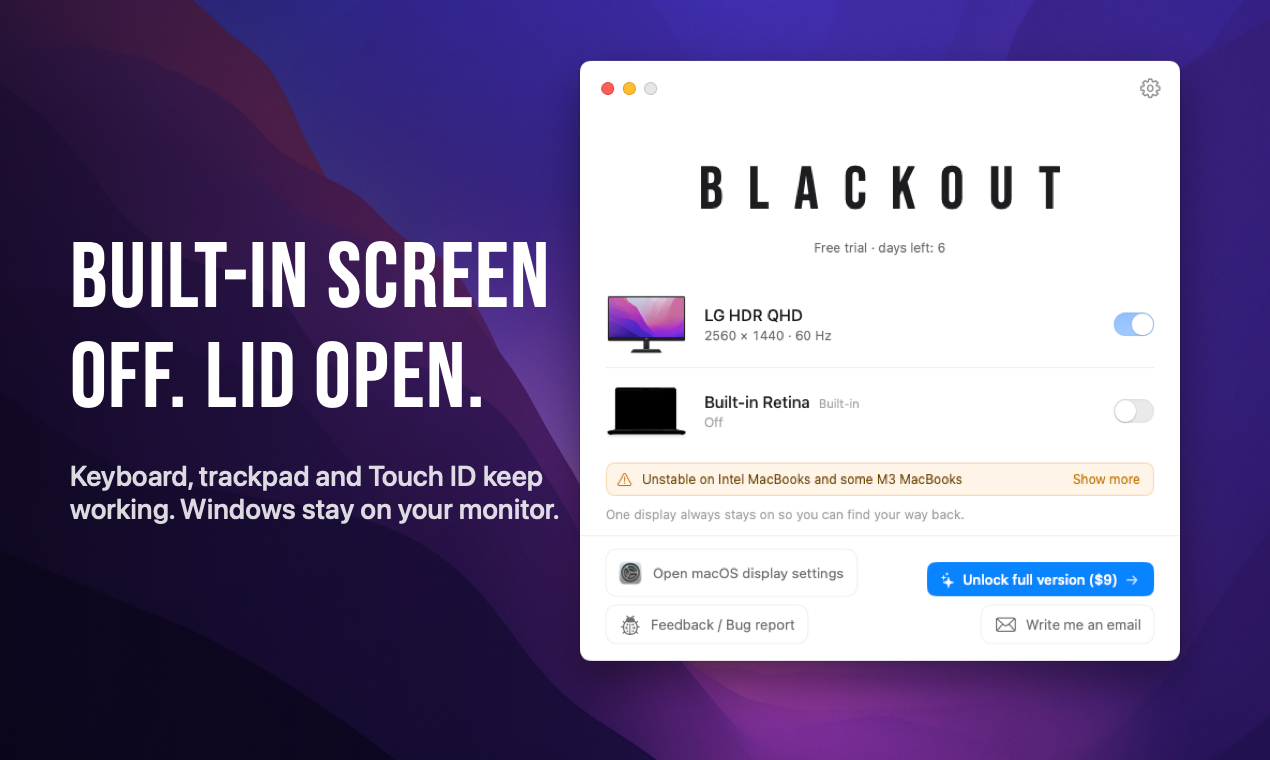
macOS only switches the internal display off in clamshell mode, which needs the lid closed. Turning brightness down to zero or mirroring leaves it active as a display, so windows, the Dock and the cursor keep ending up on it. Blackout really switches it off: on Apple Silicon it disappears from System Settings › Displays, and the external monitor becomes the only screen. The keyboard, trackpad, camera and Touch ID keep working.
The change is software-only and never permanent. If the app quits, the Mac restarts or the monitor is unplugged, the built-in display comes back on immediately, and closing and reopening the lid works as an emergency switch. It also keeps a MacBook with a cracked, flickering or striped screen usable with an external monitor.
Fact sheet
- Name
- Blackout
- Developer
- Chris
- Website
- blackoutapp.io
- Current version
- 0.3 (changelog)
- Requirements
- macOS 15 Sequoia or later, Apple Silicon (M1 and later) or Intel MacBook
- Size
- about 1.7 MB download, 4 MB installed
- Price
- Free 7-day trial with all features, then a one-time $9. Unlimited Macs, updates included, no subscription.
- Distribution
- Direct download, signed with an Apple Developer ID. Not on the Mac App Store, because Apple doesn’t allow the display API it uses there.
- Languages
- 39
- Known limitation
- On Intel Macs and the base M3 MacBook Air / MacBook Pro a hardware quirk can prevent switching the internal display off.
- Contact
- hi@blackoutapp.io
Images
Free to use in articles and reviews about Blackout. Click an image for the full-size PNG.
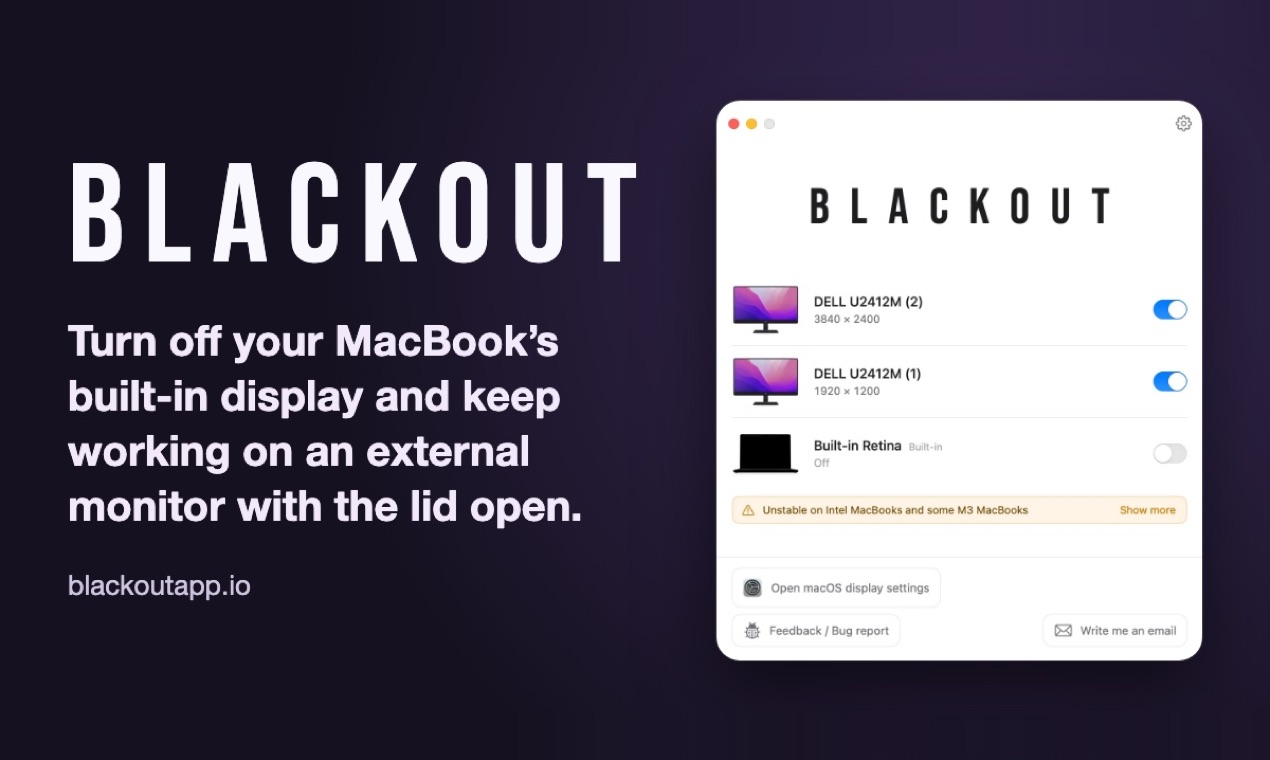
Blackout overview (1270×760) – download 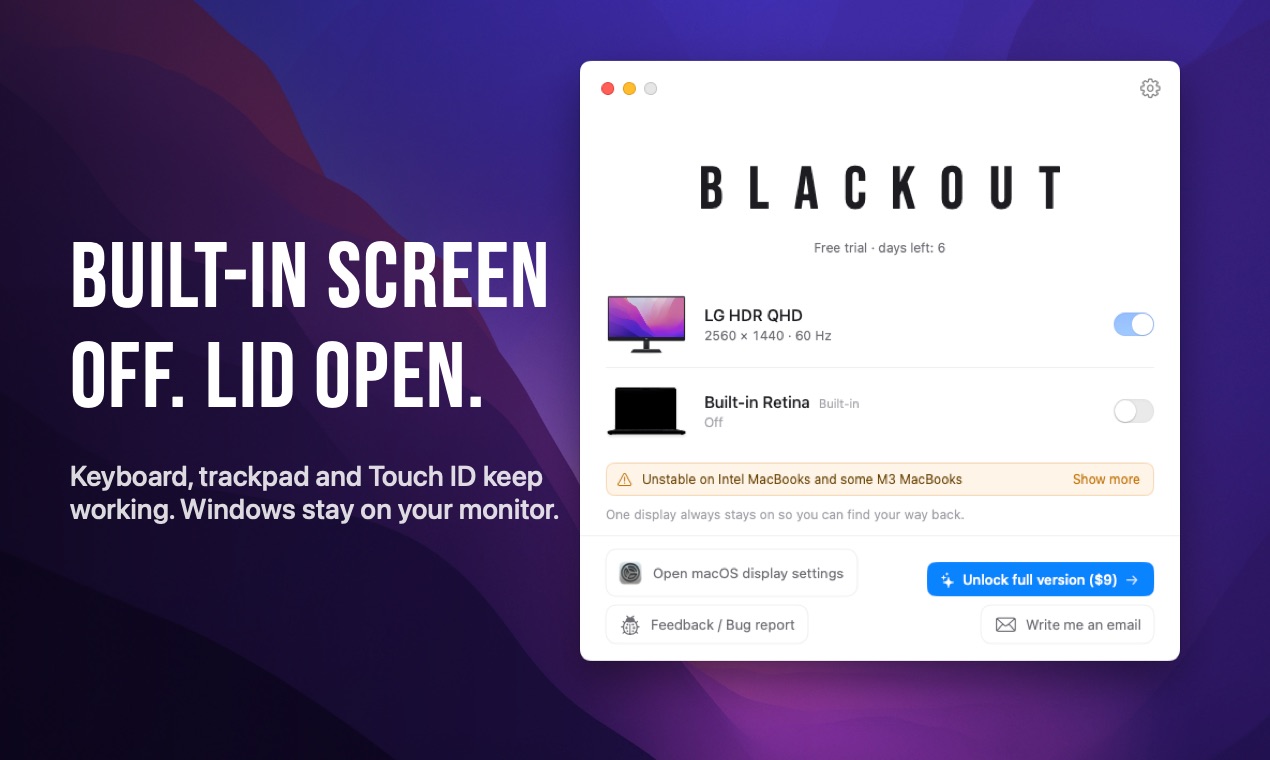
Built-in screen off, lid open (1270×760) – download 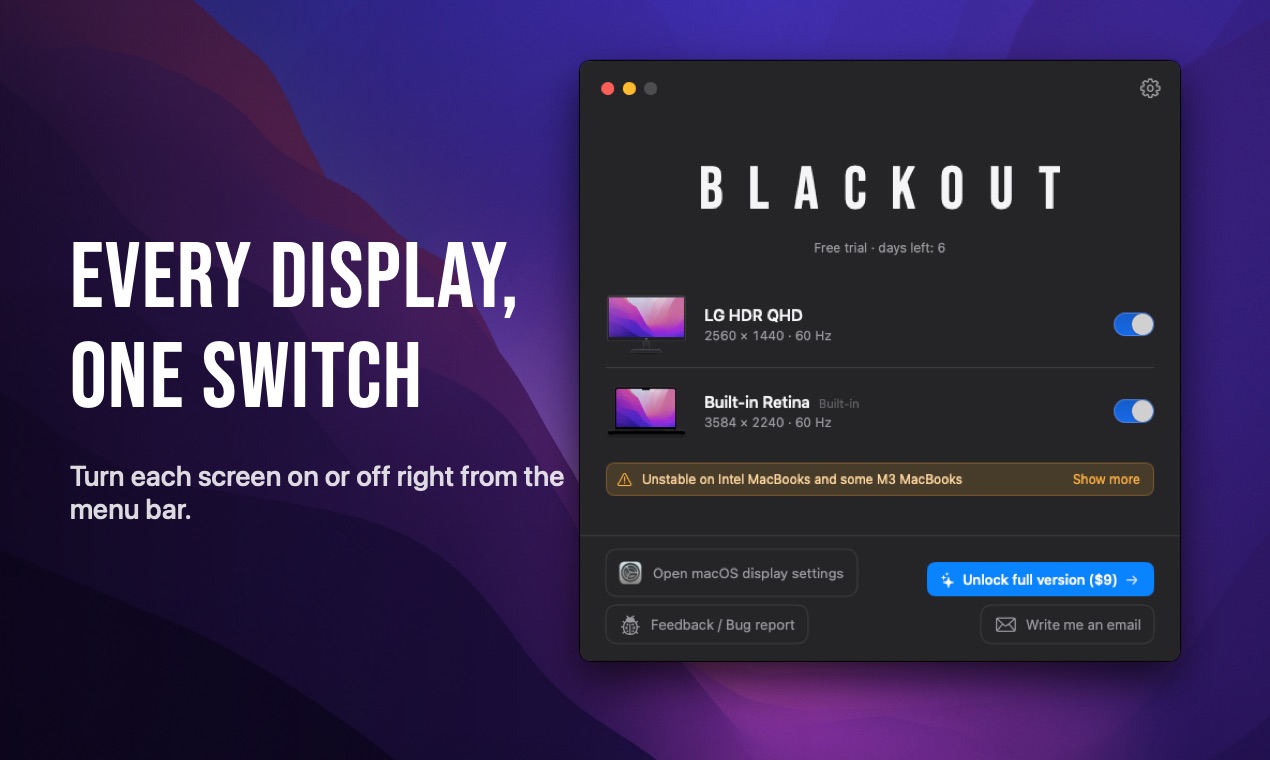
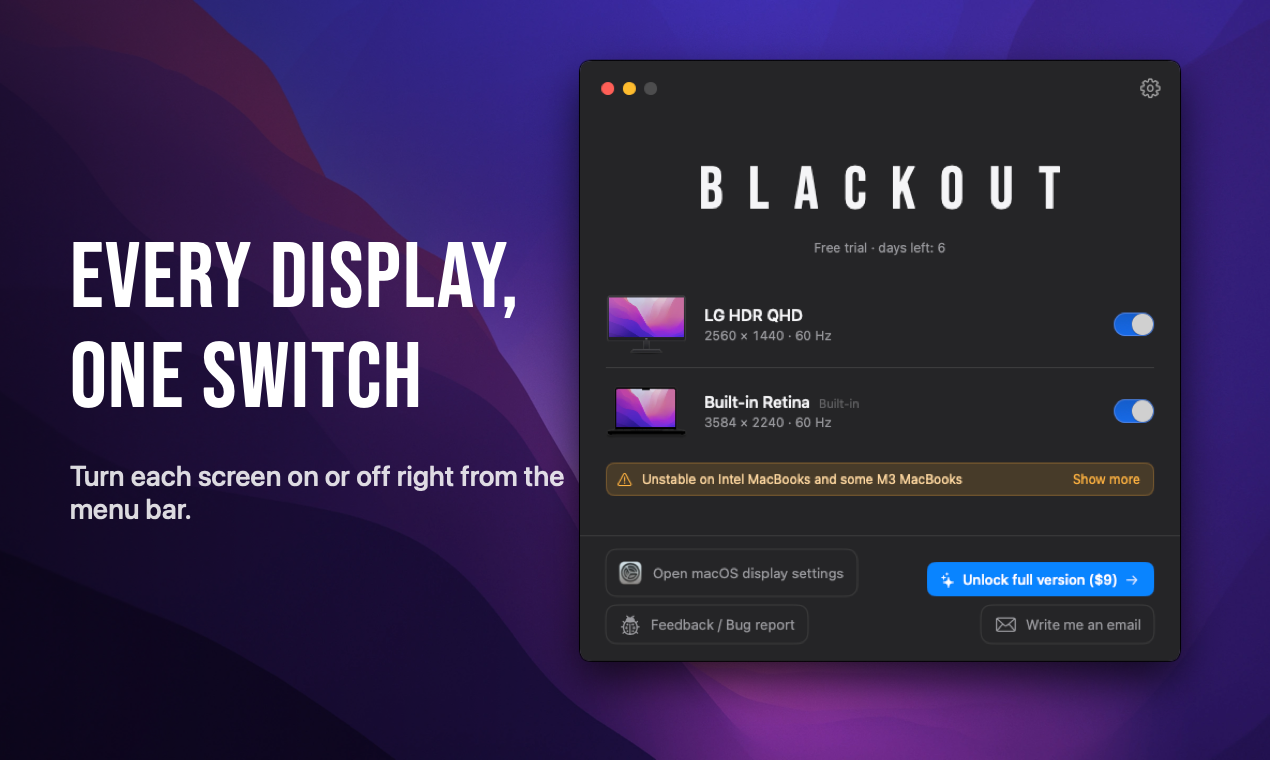
Every display, one switch (1270×760) – download 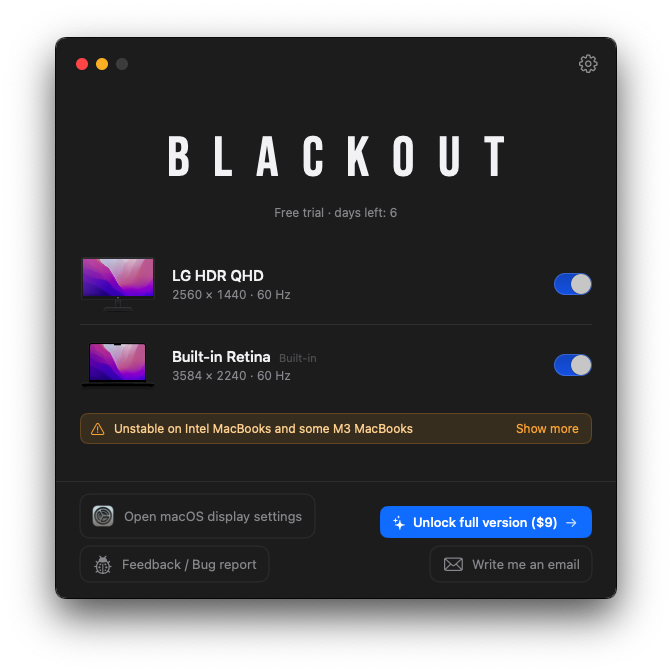
App window, dark mode, transparent (672×672) – download 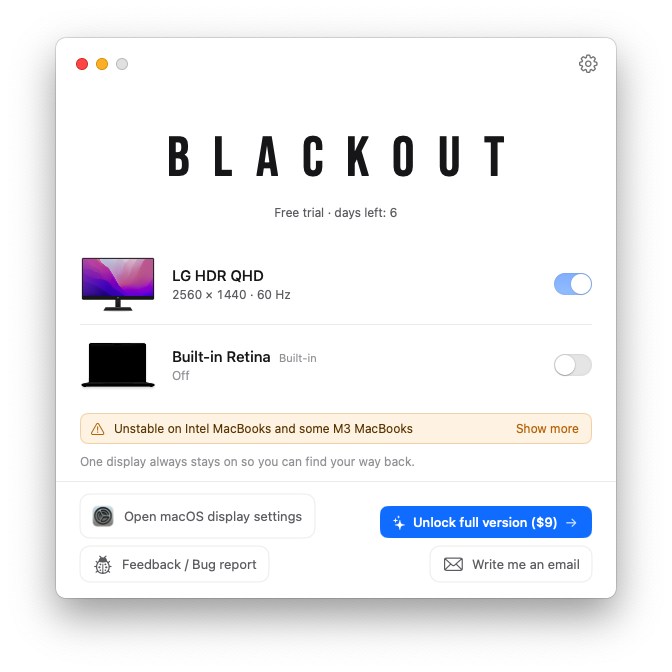
App window, light mode, built-in display off, transparent (672×672) – download